Flexbox: Aligning Layouts the Right Way
Flex container vs items, main/cross axis, and alignment properties that interviewers ask about.
On this page
30‑second interview answer
Flexbox is a one-dimensional layout system (row or column). You set display: flex on a container, then align items along the main axis and cross axis using properties like justify-content and align-items. Flexbox shines for toolbars, navs, centering, and distributing space between items.
Flex mental model
- Flex container: the parent with
display: flex - Flex items: the direct children
- Main axis is controlled by
flex-direction:row→ main axis is horizontalcolumn→ main axis is vertical
The big 6 properties (memorize)
Container
flex-direction: row / columnjustify-content: alignment along main axisalign-items: alignment along cross axisgap: spacing between itemsflex-wrap: allow wrapping
Item
flex: shorthand for grow/shrink/basis
Centering (classic interview)
.container {
  display: flex;
  justify-content: center;
  align-items: center;
}
flex: 1 explained
flex: 1 typically means:
- grow to fill remaining space
- shrink if needed
- base size is 0
Good for layouts like:
- sidebar + content
- navbar items
align-content vs align-items (trap)
align-items: aligns items within a single linealign-content: aligns lines when there is wrapping (flex-wrap: wrap)
If there’s no wrapping, align-content does nothing.
Common mistakes
- Applying
align-itemsto items (it belongs to container) - Confusing main vs cross axis
- Forgetting that only direct children are flex items
Mini Q&A
Q1: Difference between justify-content and align-items?
- main axis vs cross axis.
Q2: When does align-content matter?
- when items wrap into multiple lines.
Q3: Flexbox vs Grid?
- Flexbox is 1D; Grid is 2D.
Summary checklist
- I can explain main/cross axis.
- I know
justify-contentvsalign-items. - I can center content quickly.
- I understand
flex: 1and wrapping.
Looking for structured, offline interview prep?
Free online lessons • Portable Amazon Kindle / Paperback
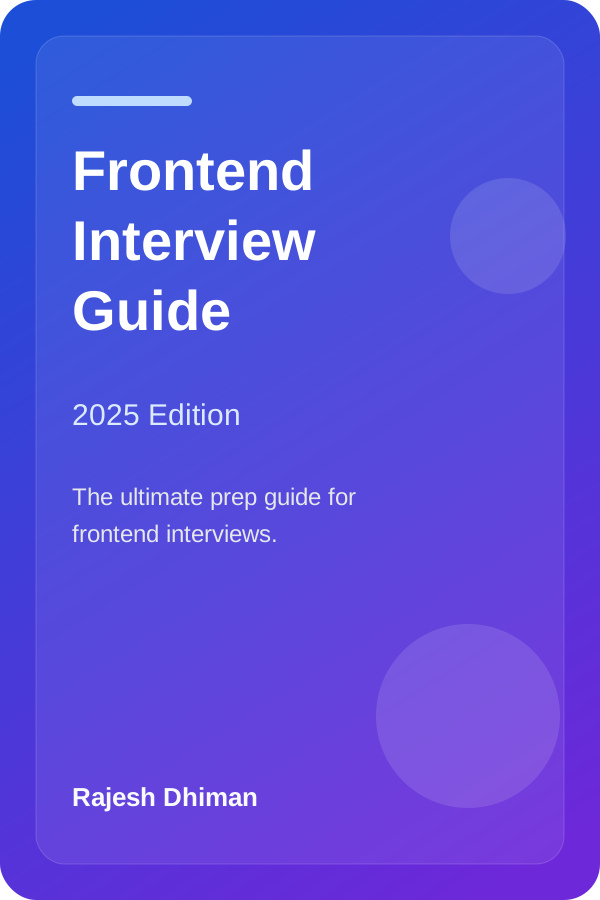
Frontend Interview Guide (2025 Edition)
By Rajesh Dhiman
Comprehensive preparation covering React internals, Web Performance, CSS architecture, and system design questions.
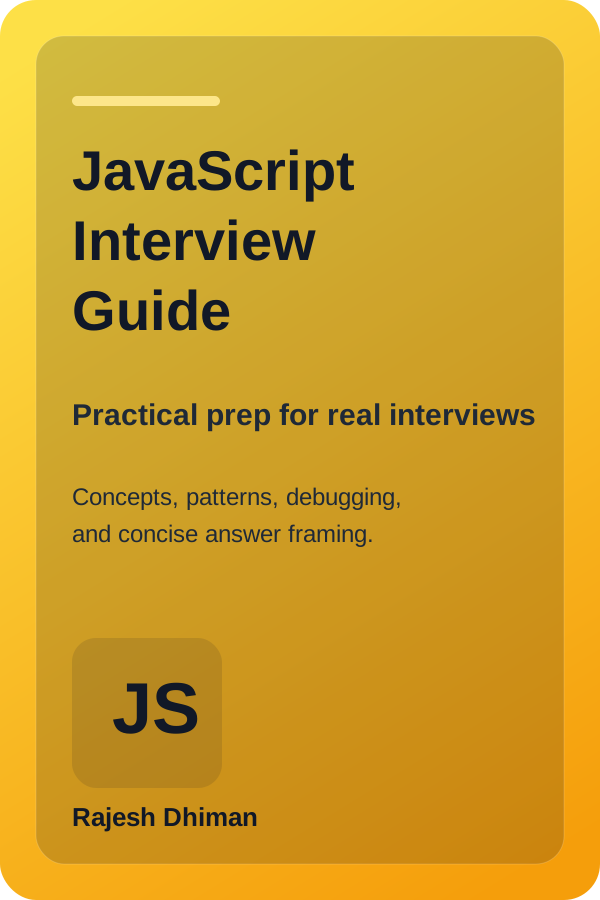
JavaScript Interview Guide
By Rajesh Dhiman
Deep dive into the Event Loop, microtask draining, closures, prototypal inheritance, and asynchronous execution patterns.
Note: All lessons on Frontend Interview remain completely free to read online. As an Amazon Associate, we may earn from qualifying purchases.
Written by Rajesh Dhiman
Authored by Rajesh Dhiman and engineered at Eunix Tech. Focused on deep-dive frontend engineering, JavaScript runtime internals, React architecture, and web performance.