CSS Specificity: How Styles Actually Win
Specificity rules, common traps, and practical strategies to avoid fighting CSS.
On this page
30‑second interview answer
Specificity is how browsers decide which CSS rule wins when multiple rules target the same element. In general: inline styles > IDs > classes/attributes/pseudo-classes > elements/pseudo-elements. If specificity ties, the later rule wins. Avoid specificity wars by using predictable patterns (utility classes, CSS modules, BEM) and keeping selectors simple.
Specificity ladder (memorize this)
From strongest to weakest:
style="..."inline styles#id.class,[attr],:hover,:focus, etc.div,h1,::before
If two rules have the same specificity, the one later in the stylesheet wins.
Common examples
/* element */
button { color: blue; }

/* class beats element */
.btn { color: green; }

/* id beats class */
#save { color: red; }
The trap: “Why is my CSS not applying?”
Typical causes:
- Another rule has higher specificity
- Same specificity but later rule overrides
- More specific selector in a component stylesheet
!importantsomewhere upstream
Debugging steps
- Inspect element → see which rule is crossed out
- Check selector specificity
- Search for
!important
!important (how to talk about it)
Interview-safe stance:
- Avoid it for normal styling.
- Acceptable for:
- quick emergency hotfix
- utility overrides in a controlled system
- third-party style overrides
But if you rely on !important often, it signals poor structure.
Strategies to avoid specificity wars
- Keep selectors shallow Bad:
.header .nav ul li a span { ... }Good:
.navLink { ... }-
Use CSS Modules / scoped styles Reduces collisions.
-
Use utility-first (Tailwind) Avoids cascade surprises.
-
Use BEM naming Predictable class patterns.
Mini Q&A
Q1: What wins: .btn.primary vs #save?
#save(ID).
Q2: If specificity is equal?
- Later rule wins.
Q3: Should you use !important?
- Rarely; prefer better structure.
Summary checklist
- I can state the specificity order.
- I can debug overrides in DevTools.
- I keep selectors simple and shallow.
- I avoid
!importantunless necessary.
Looking for structured, offline interview prep?
Free online lessons • Portable Amazon Kindle / Paperback
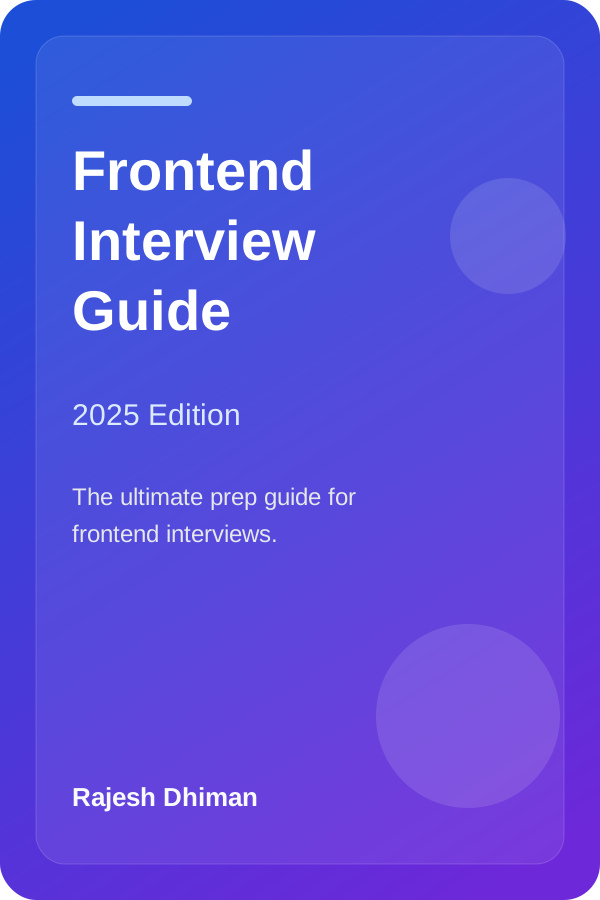
Frontend Interview Guide (2025 Edition)
By Rajesh Dhiman
Comprehensive preparation covering React internals, Web Performance, CSS architecture, and system design questions.
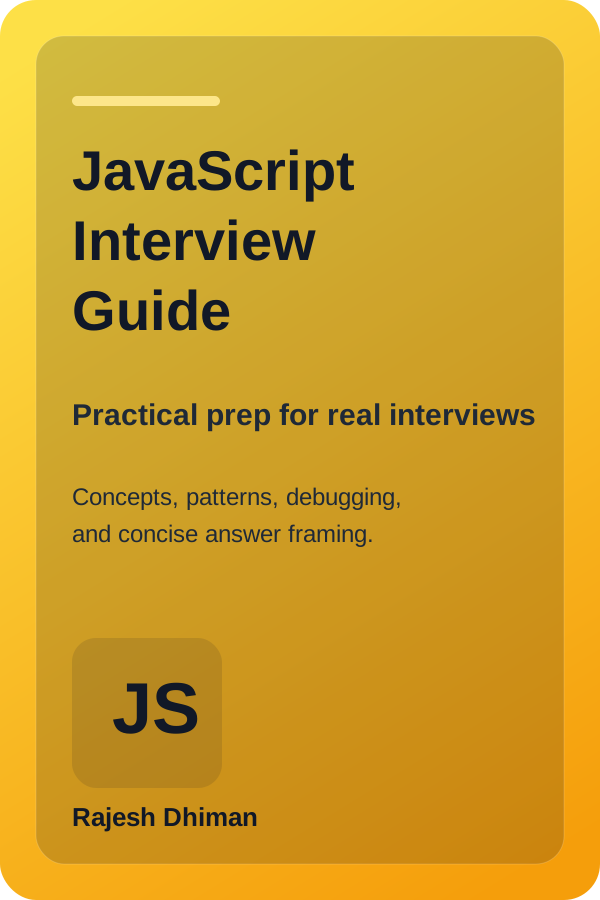
JavaScript Interview Guide
By Rajesh Dhiman
Deep dive into the Event Loop, microtask draining, closures, prototypal inheritance, and asynchronous execution patterns.
Note: All lessons on Frontend Interview remain completely free to read online. As an Amazon Associate, we may earn from qualifying purchases.
Written by Rajesh Dhiman
Authored by Rajesh Dhiman and engineered at Eunix Tech. Focused on deep-dive frontend engineering, JavaScript runtime internals, React architecture, and web performance.